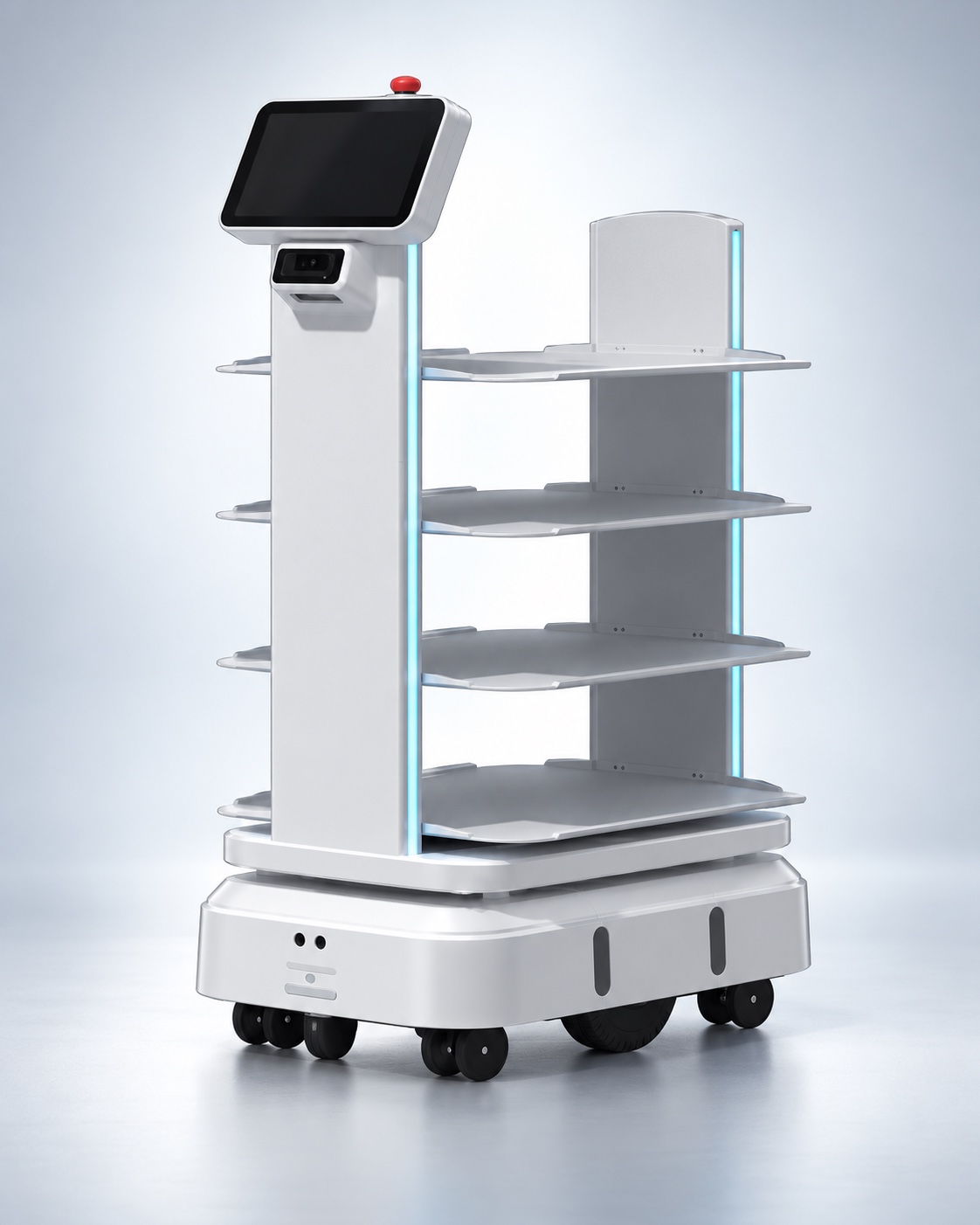
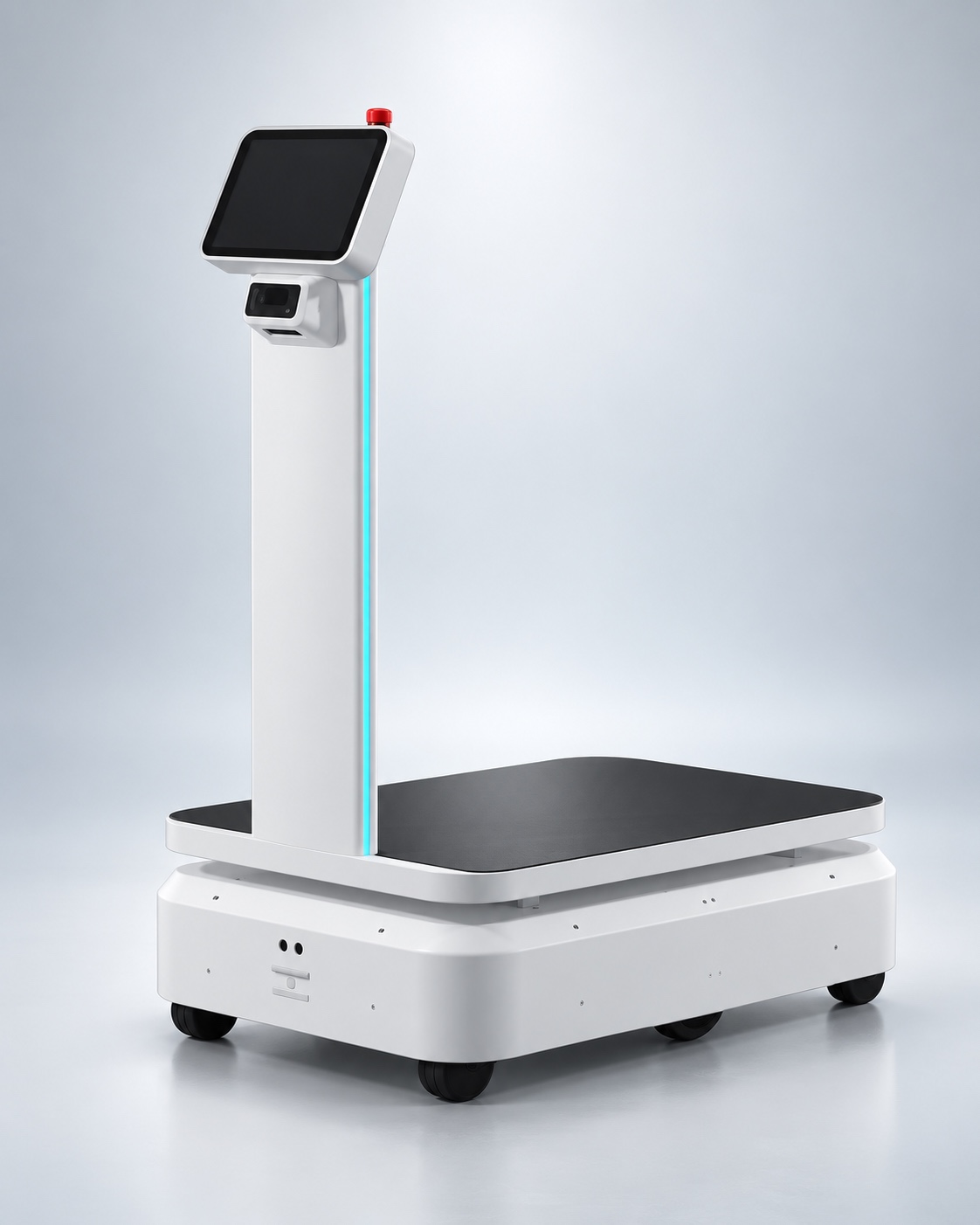
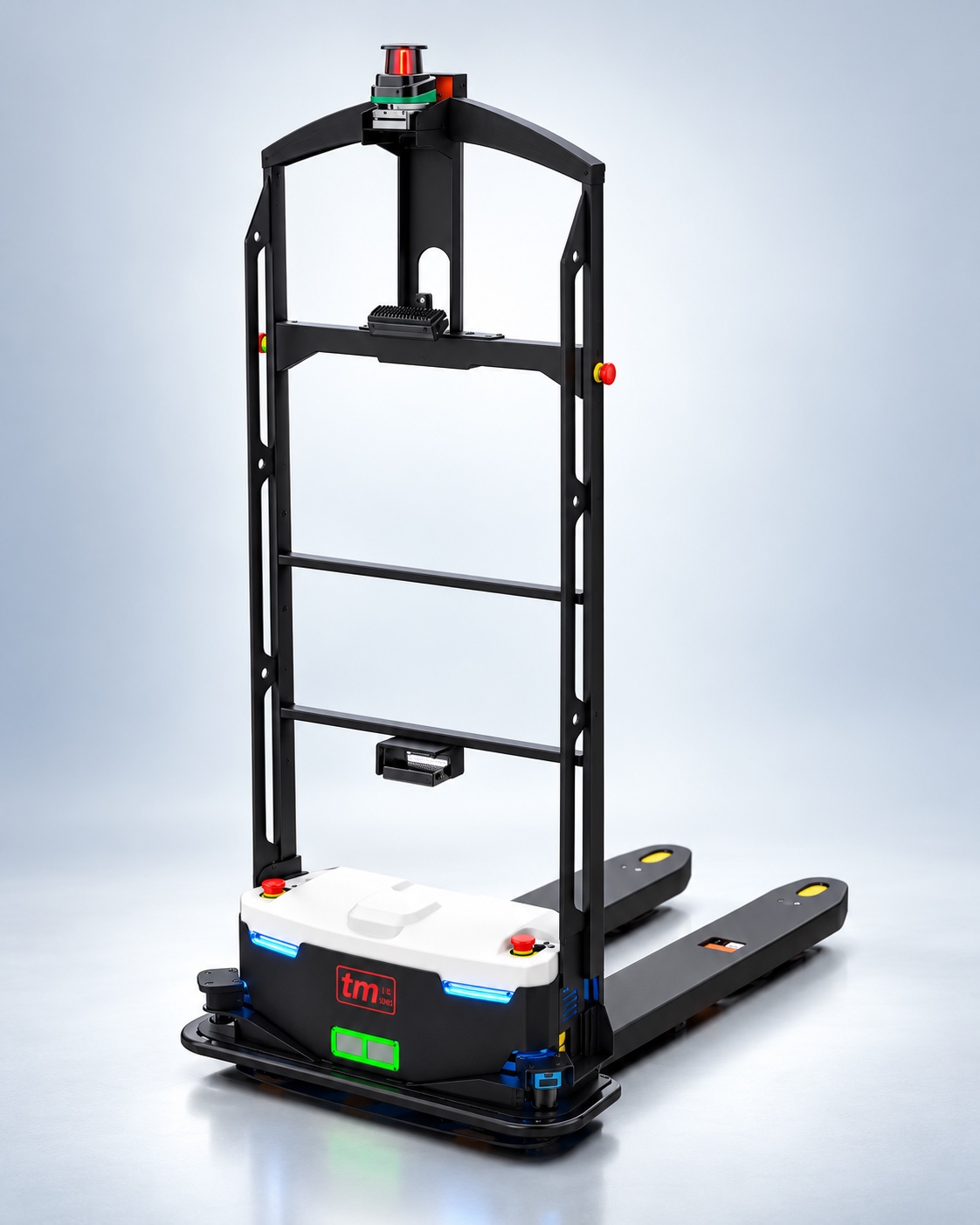
Call button
Trigger a robot request from a defined operating point.
Fleet & task orchestration
From a movement request to a coordinated fleet task.
Product information and demonstrations,
scoped around your environment.
 AARYVYA / Fleet & task orchestration
01 / Product overview
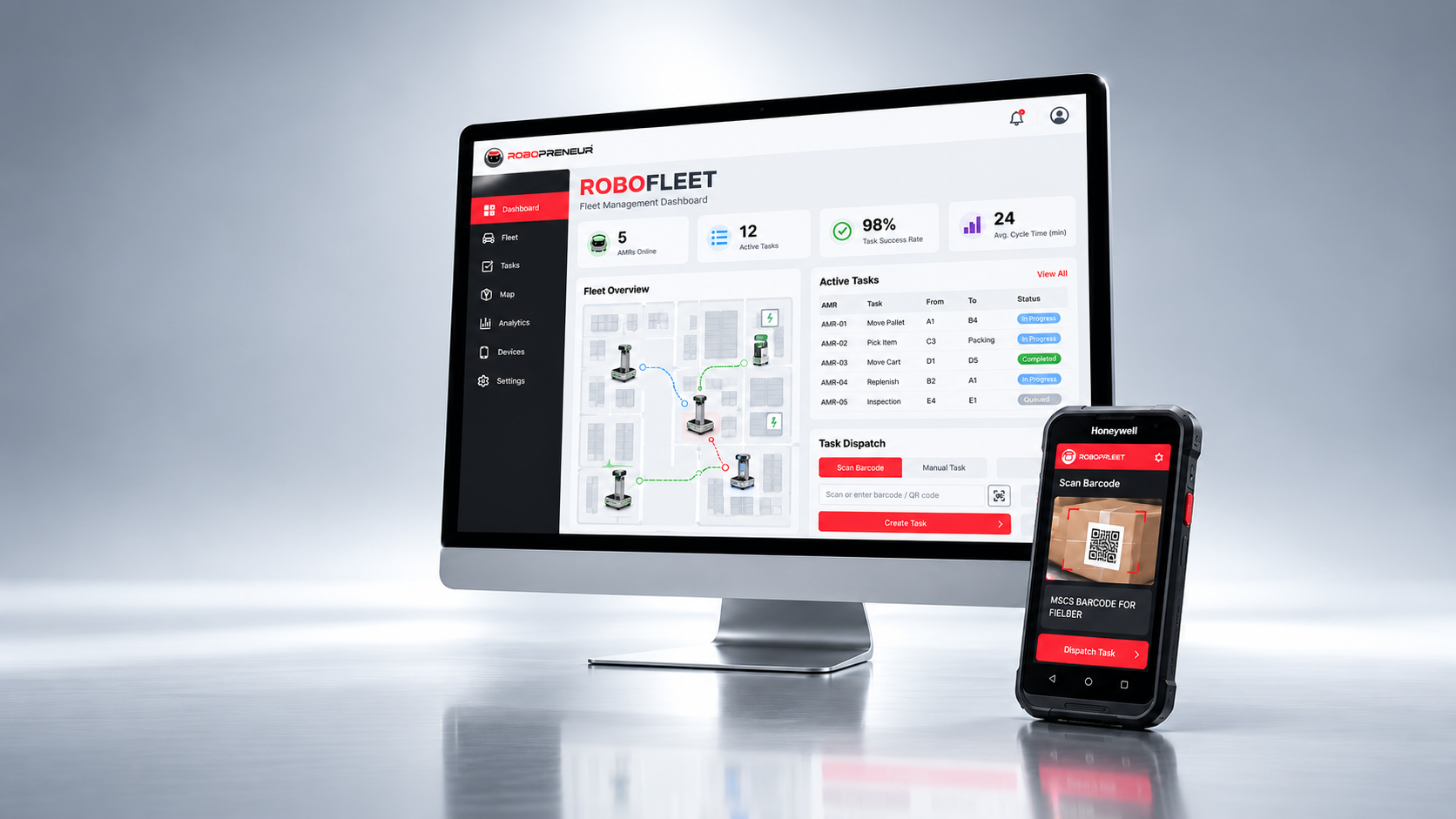
RoboFleet is the software layer connecting transfer robots with day-to-day operational requests. The portfolio describes call buttons, barcode calling and central task distribution.
Teams can create a material-movement request at a defined point, assign a task to a compatible AMR and follow robot and task status through a central dashboard.
The workflow should be modelled around how the facility actually operates. Define request points, task priorities, compatible robot assignments and completion steps before scaling the system.
02 / Core capabilities
Trigger a robot request from a defined operating point.
Organise and assign movement jobs across available AMRs.
Create or dispatch tasks by scanning configured barcodes.
Review robots, tasks and workflow status in one dashboard.
03 / Where it fits
These contexts guide evaluation. The operating space, process and selected configuration determine the final deployment scope.
04 / Use scenarios
Request a defined transfer when material is ready.
Connect a configured barcode with an approved movement task.
Bring compatible AMR tasks into one assignment process.
05 / Operational value
Connect an operational need to a defined task.
Give teams a central place to review movement status.
Standardise repeated requests as the fleet expands.
06 / System & ecosystem
RoboFleet connects compatible AMRs to call-button requests, barcode-triggered jobs and central task distribution. Define pickup and delivery points, load handling and task priorities together. Fleet coordination should follow the actual movement pattern of the facility, with compatibility and interface scope confirmed during planning.
Deployment discussion
What recurring work or interaction should this system support? Define the outcome and who is responsible for it.
What space will it operate in? Review access, routes, surfaces and the people sharing the area.
Which confirmed functions and equipment are required? Review compatibility and any interfaces before setting scope.
What would a useful demonstration or pilot show? Select a representative task and agree how the team will assess it.
Continue exploring
A conversation is the first step
Request product information, discuss deployment or ask about a demonstration.