Educational interaction
Explore a defined activity for children and learning settings.
Educational interaction
A thoughtful introduction to intelligent machines.
Product information and demonstrations,
scoped around your environment.
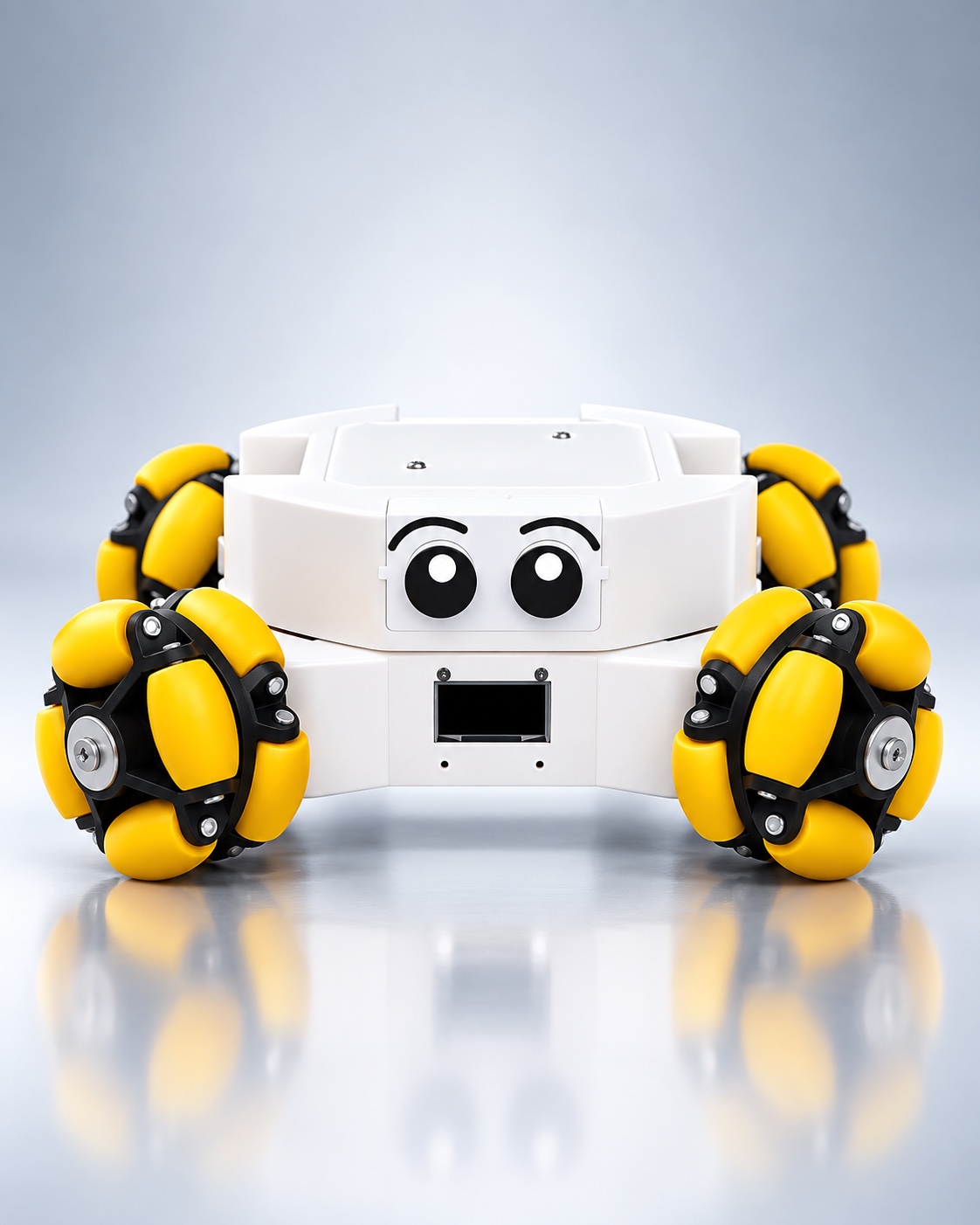 AARYVYA / Educational interaction
01 / Product overview
Rookie is the educational robot in the AARYVYA portfolio, intended for children and educational interaction. Its approachable form provides a starting point for discussing an age-appropriate learning experience.
The supplied assets do not specify a curriculum, programming environment, lesson content or detailed technical functions. Define the learning objective first, then confirm which available interactions support it.
An educational deployment should consider the setting, adult supervision and the needs of the children taking part. A demonstration can help educators assess how the platform fits their planned activity.
02 / Core capabilities
Explore a defined activity for children and learning settings.
Introduce a tangible robot as part of a supervised experience.
Confirm functions against the intended learning objective.
03 / Where it fits
These contexts guide evaluation. The operating space, process and selected configuration determine the final deployment scope.
04 / Use scenarios
Discuss a supervised encounter with a physical intelligent system.
Evaluate available interactions within an educator-led session.
Review the product against the age group and activity goals.
05 / Operational value
Use a physical platform within a planned educational experience.
Start with what children should understand or explore.
Keep the experience grounded in supervision and teaching needs.
06 / System & ecosystem
Plan Rookie with the educators responsible for the activity. Learning content, operating controls and any software environment must be confirmed before deployment.
Deployment discussion
What recurring work or interaction should this system support? Define the outcome and who is responsible for it.
What space will it operate in? Review access, routes, surfaces and the people sharing the area.
Which confirmed functions and equipment are required? Review compatibility and any interfaces before setting scope.
What would a useful demonstration or pilot show? Select a representative task and agree how the team will assess it.
A conversation is the first step
Request product information, discuss deployment or ask about a demonstration.